Pausa
Gentle breaks for your eyes and body.
Hours fly by in front of a screen. Pausa keeps time from the menu bar: every 20 minutes it softly blurs your screen for a 20-second eye break, and every hour it reminds you to stand up and move. It waits for your calls and full-screen apps, and knows when you’ve already stepped away.
Pausa is a Mac app.
- macOS 14 Sonoma or later
- Apple Silicon & Intel
- English, Português, Español
- Notarized by Apple
How it works
Set it once. Then forget about it.
- 01
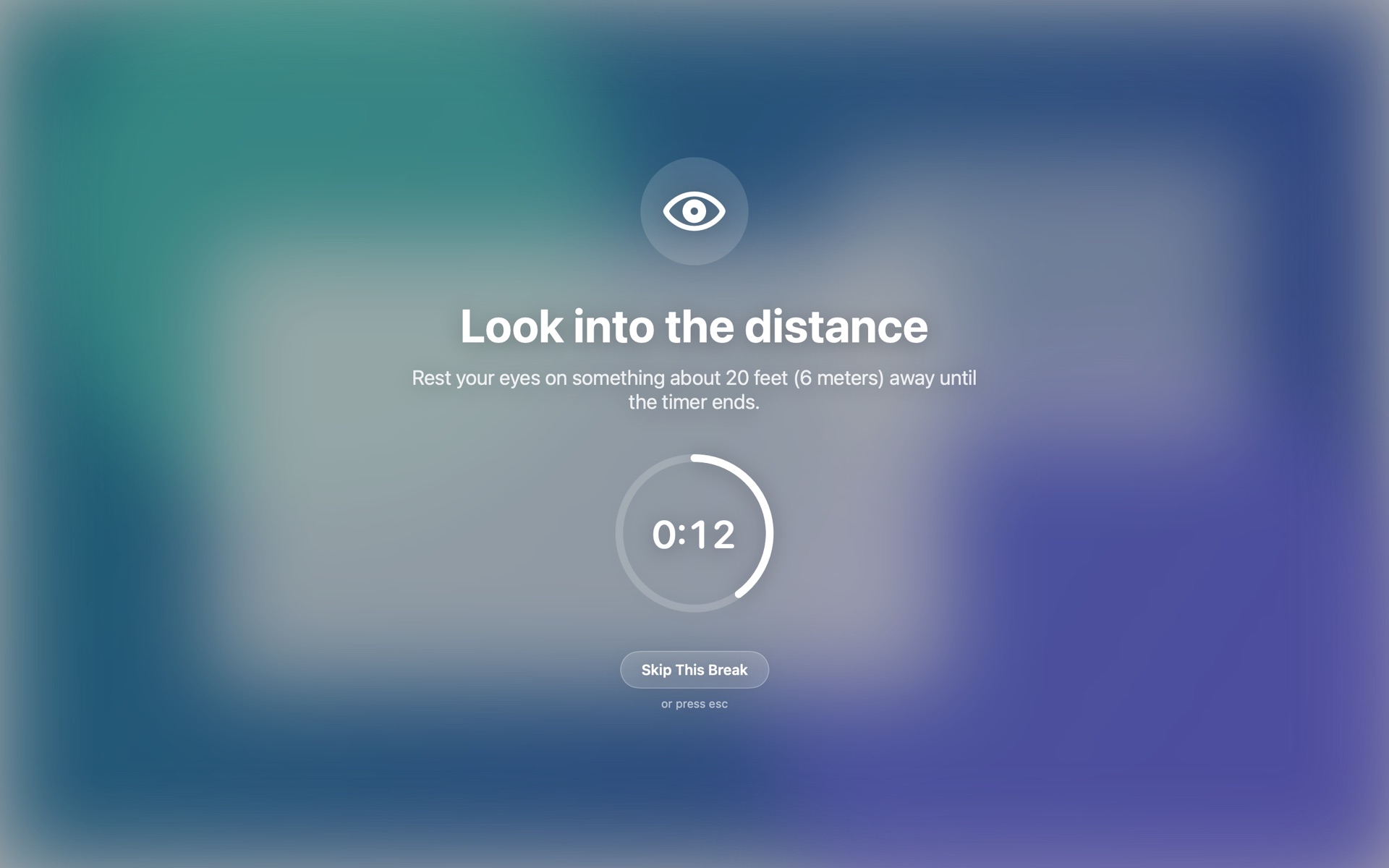
Every 20 minutes, look away
Your screen softly blurs for 20 seconds. Look at something about 20 feet (6 meters) away until the timer ends.
- 02
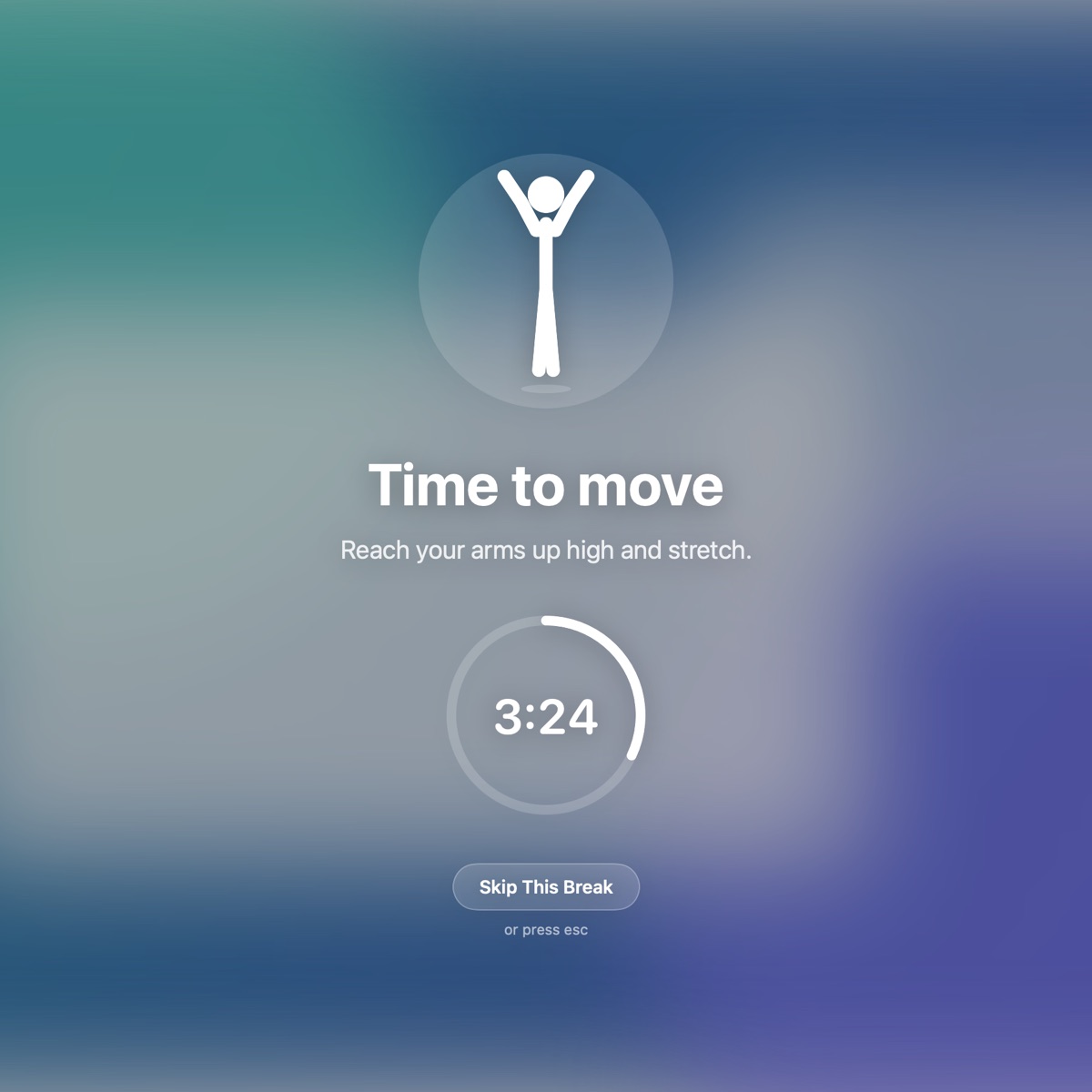
Every hour, get up
A 5-minute stretch break with a new idea each time: roll your shoulders, refill your water, walk to another room.
- 03
Never at a bad moment
A heads-up comes 30 seconds before, so you can finish your thought, push the break 5 minutes, or skip it.
Features
Everything Pausa does for you.
Small on purpose, thoughtful in the details.
The 20-20-20 rule
Every 20 minutes, 20 seconds looking about 20 feet away. How often and how long is up to you.
Stretch breaks
A longer break every hour to stand up and move, with a different idea each time and a little figure that shows you how.
Waits for your calls
While your microphone or camera is in use, the break waits and starts when you hang up.
Respects full screen
Watching a movie, gaming or presenting? Breaks wait until you leave full screen.
Knows when you’re away
Locked your Mac or stepped away for a few minutes? That counts as a break, and the timer starts over.
Lives in the menu bar
See the time until the next break, take one now, or pause for an hour or until tomorrow.
Always up to date
Checks for updates once a day. A dot on the menu bar icon tells you when one is ready, verified and signed.
Speaks your language
English, Português and Español, following your Mac’s language.
A closer look
Feels right at home on your Mac.
Light and dark mode, following your system settings.


Private by design
- Pausa runs entirely on your Mac. No account, no analytics, no ads.
- To wait for calls, it only checks whether the microphone or camera is in use, never what they hear or see.
- The only thing it keeps is how many breaks you took today, shown in its menu.
- Update checks only ask menubar.tools whether a newer version exists.
Install
Up and running in a minute.
- 1
Download Pausa-1.0.0.dmg
3.9 MB, signed and notarized by Apple.
- 2
Drag Pausa into Applications
Open the downloaded file and drop the icon onto the Applications folder.
- 3
Open Pausa
macOS asks once because it came from the internet: click Open. The welcome guide takes it from there.
FAQ
Questions, answered.
Is Pausa really free?
Yes. No ads, no account, no subscription, no trial. If it helps, you can buy us a coffee, but you never have to.
What is the 20-20-20 rule?
A habit eye-care professionals often suggest for screen work: every 20 minutes, look at something about 20 feet (6 meters) away for 20 seconds, so the eyes can relax from focusing up close. Pausa is a reminder, not medical advice: if your eyes keep bothering you, see an eye doctor.
Will it interrupt my meeting or movie?
No. While your microphone or camera is in use, or an app is full screen, the break waits and starts as soon as you’re done. You can turn either one off in Settings.
What if I’m away from my Mac?
Pausa notices when you lock your Mac, put it to sleep or stop using it. Time away counts as a break: 2 minutes away resets the eye break timer, and 5 minutes resets the stretch break timer too.
Can I skip or postpone a break?
Yes. The heads-up before each break lets you start it now, push it 5 minutes or skip it, and esc ends a break early. Want to be strict with yourself? Turn off skipping in Settings.
How do I update or uninstall it?
Pausa checks for updates once a day and shows a dot on its menu bar icon when one is ready, or choose Check for Updates… from its menu. To uninstall, choose Quit Pausa from the menu and move Pausa from Applications to the Trash.
Release notes
What’s new.
-
Version 1.0.0 Latest
- First release: eye breaks every 20 minutes and stretch breaks every hour, with a heads-up 30 seconds before.
- On stretch breaks, a little animated figure shows you each move.
- Breaks wait during calls and full-screen apps, and time away from your Mac counts as a break.
- In English, Português and Español.
Ready to try Pausa?
Free, no account. macOS 14 Sonoma or later, Apple Silicon & Intel.
Free, thanks to coffee.
No ads, no subscriptions, no tracking. If our apps save you time, a coffee helps keep them free and the next one coming.
Buy us a coffeeMissing a Mac app?
Tell us what your menu bar is missing.
Got a small, nagging problem a tiny Mac app could solve? Send it our way. If it’s a good fit, our team might build it, free for everyone.